Find the domain in the official tool, check feature scope and applicable AI inclusion, then test an invitation the CMS can support. A click proves neither completed selection nor a general ranking improvement.

In this article
- Check eligibility before inviting readers to add a source
- Choose the domain readers should recognize
- Keep source preferences, profiles and subscriptions separate
- Review the AI scope without changing settings
- Choose an invitation the site can maintain
- Test the journey and separate each observation
- Measure interaction without claiming a ranking improvement
- Frequently asked questions
Check eligibility before inviting readers to add a source
To offer Google Preferred Sources to readers, first search for your domain in the official tool, verify the applicable scope and choose an understandable invitation. Adding a button before those checks can create a call to action without a useful destination. This article describes a method; no website button or account setting was changed while preparing it.
The Google changelog records the interactive button on August 20, 2026. The Preferred Sources guide, updated September 18, distinguishes Top Stories from AI features. Top Stories is covered globally in Search languages; AI Mode and AI Overviews depend on availability. Domains and subdomains are eligible in the tool, whereas a /blog subdirectory alone is not.
The publication below is fictional. It publishes practical reports on its main domain and has a blog in a subdirectory. Its proposed tests and events illustrate a workflow without asserting that any reader's real site is already eligible.
Choose the domain readers should recognize
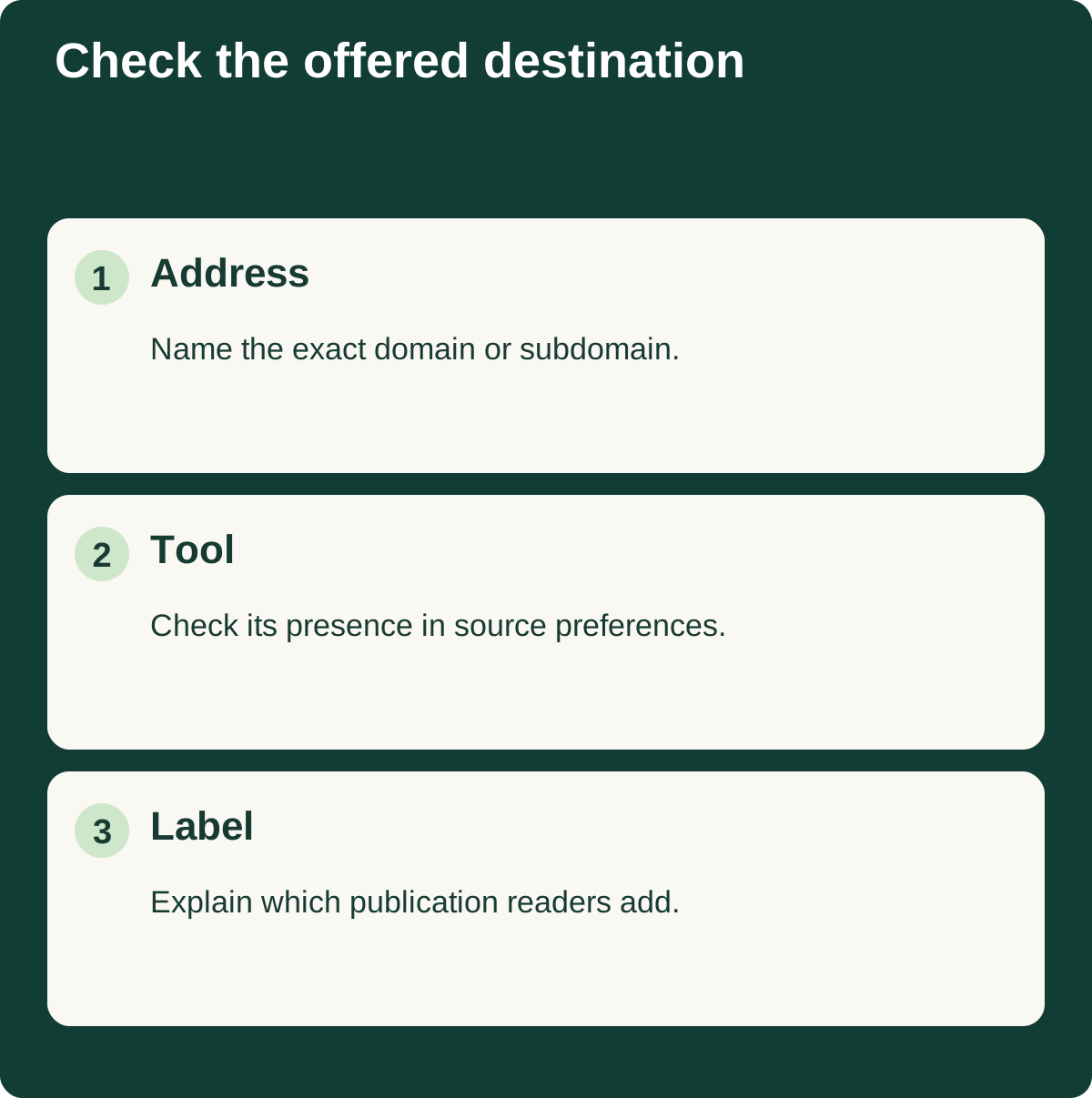
Record the exact address you intend to offer. Our fictional publication's brand corresponds to its main domain. Its editor therefore starts by searching that address in the source preferences tool, rather than trying to promote only the articles directory.
This avoids an ambiguous invitation. If the domain name, logo and editorial brand differ, explain what the reader is adding. Do not promise selection of one section when the offered destination corresponds to the whole domain.
A subdomain might represent a distinct publication. In that case, our proposed method documents the choice: who publishes at that address, which brand readers know and why this destination is being offered. Keep the dated check, entered address and result actually observed in the working file.
If the site does not appear during the check, state that limit and postpone the invitation. The workflow does not substitute a fabricated success message or an unrelated domain. You can continue improving content and navigation while investigating the unavailable destination.
Keep source preferences, profiles and subscriptions separate
A publisher can offer several ways for readers to return. A Preferred Sources invitation, a Search profile badge and an email signup need different promises on the page. Readers should understand which action they are taking.
In our example, the editor examines three labels: “add our publication as a preferred source,” “view our profile” and “receive our newsletter.” The first describes the preference discussed here. The third belongs to another journey involving an email address and separate conditions.
The Search profile badge article discusses that feature independently. This review concerns Preferred Sources. Reusing the same wording or graphic for both invitations would make their purposes harder to understand.
We recommend a short explanatory sentence beside the invitation. Describe the proposed action and let the reader choose. Claiming that every reader will now receive every article goes beyond what the interaction lets you establish.
Place the invitation where it follows a useful reading experience, rather than requiring readers to act before they can see the content. That placement is our editorial recommendation. It should be evaluated through your own usability observations, without describing it as a Google ranking requirement.
Review the AI scope without changing settings
For Preferred Sources display in AI features, Google refers publishers to Search generative AI inclusion. The Search Console control documentation states worldwide rollout on August 31, 2026 and distinguishes inclusion, exclusion and inheritance from a parent property. This control does not manage model training.
Our proposed review records the consulted property and its effective setting when an authorized person can inspect them. A subdirectory property needs consideration of any relevant parent. The purpose is to understand configuration before making a public promise about the invitation.
Reading a setting does not authorize changing it. If another team has chosen exclusion, document the situation and pass the question to the responsible owner. Completing the review does not require you to activate anything.
Keep configuration separate from observations. Whether the site is included, which visibility data is present and whether an individual reader selected the publication are different questions. The working file should preserve those distinctions even when the report is shared with someone who never opened Search Console.
Choose an invitation the site can maintain
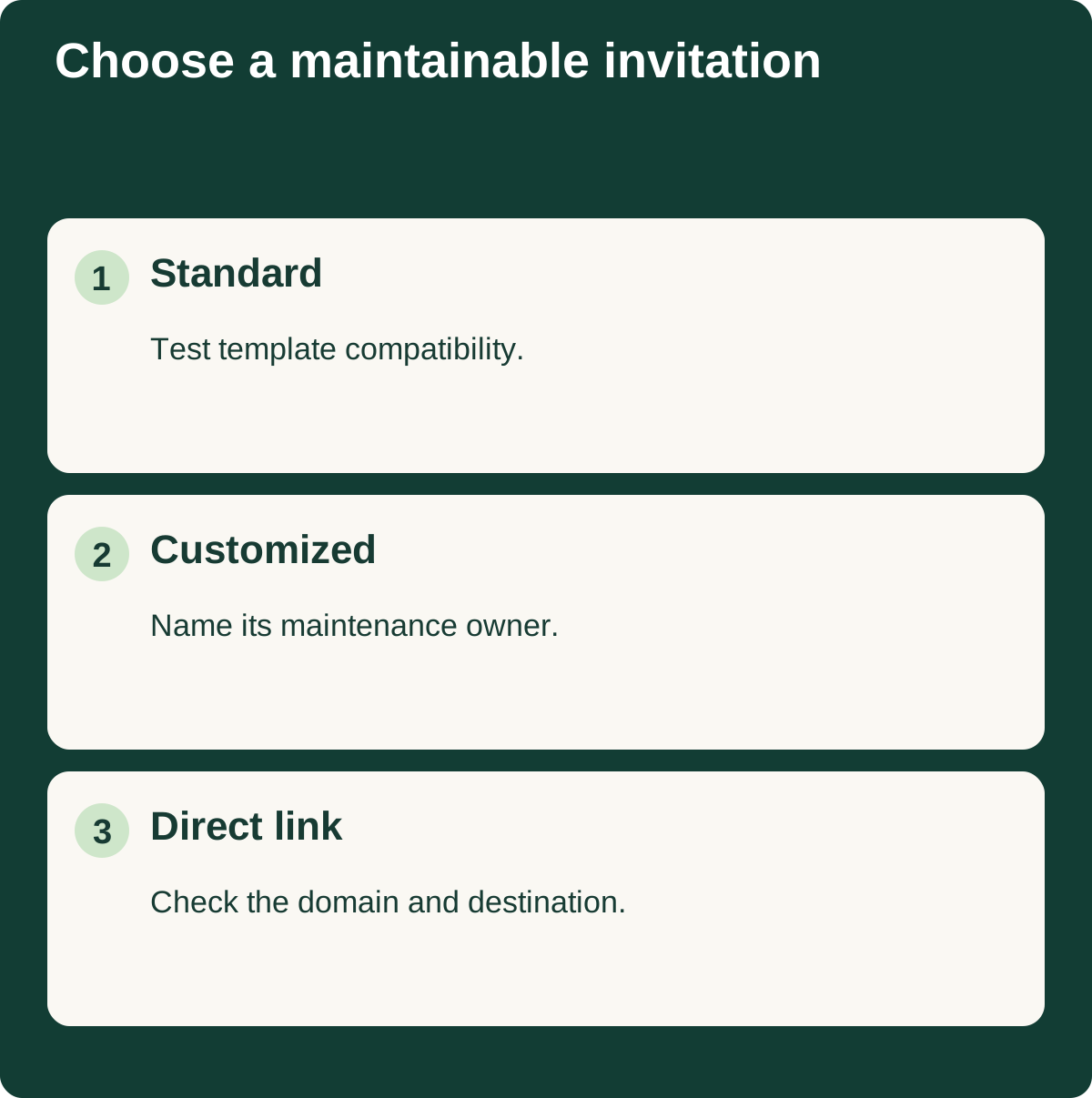
Google documents a standard JavaScript button, a customized integration and a direct link to the preferences tool. Our method recommends choosing according to known CMS constraints and maintenance capacity. There is no need to develop several variants before understanding the simplest workable journey.
Our fictional publisher compares the options in a decision note. It considers reader comprehension and whether the journey can be checked, rather than inventing an SEO benefit to justify a more complicated implementation.
| Option under consideration | Practical question | Proposed evidence before implementation |
|---|---|---|
| Standard button | Can the template support the integration? | Trial on a preview page |
| Customized button | Who maintains its behavior? | Named owner and documented test |
| Direct link | Does its destination match the domain? | Destination and address checked |
Do not copy code from an old screenshot. When implementation is eventually authorized, use current official instructions and the verified domain. This article prepares the decision and its checks; it does not claim an integration has already been completed.
Test the journey and separate each observation
Before a broad invitation, our suggested preview test checks the label, destination opening, domain and return to the content. Use devices your audience actually uses and inspect the interface language. A desktop check in one language cannot answer every usability question.
Record what you see at each stage. A visible element does not prove the destination works. An opened destination does not prove selection was completed. Returning to the site does not demonstrate that visibility will increase later.
For multilingual publications, inspect the invitation in each version. Translation should describe the same action and identify the correct brand. The regional Search experience article explains why an observation in one market should not be generalized across every location.
Keep a small log containing date, device, language, destination and observed problem. Fix a failed journey before promoting the invitation. That record supports maintenance more effectively than a note that simply says the button looks fine.
Measure interaction without claiming a ranking improvement
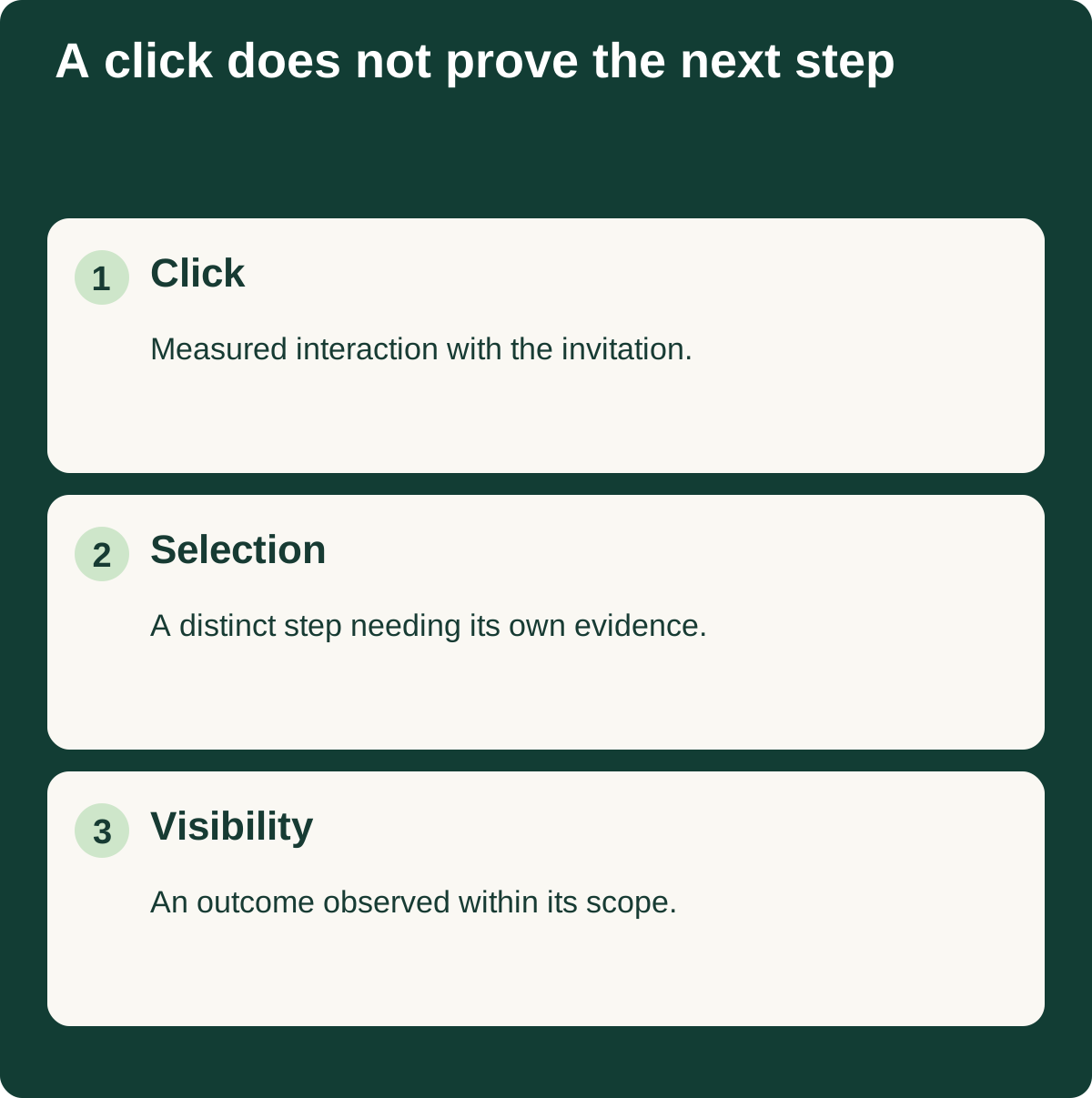
If a later implementation records a click event, name it after the interaction. Our example proposes preferred_source_invitation_click. This is a suggested organizational name, not a native Google measurement proving that a preference was saved.
Report invitation interactions, available visibility data and on-site actions separately. Twenty clicks cannot be converted into twenty completed selections without evidence of that step. They also cannot be reported as email subscribers.
An editorial trial might use a defined period, such as four weeks, before deciding whether to retain the placement. That is our practical suggestion rather than an official period needed for a ranking change. If the invitation disrupts reading or opens an invalid destination, correct the problem immediately instead of waiting for the scheduled review.
Ask the final reviewer to state what the trial established and what remains unknown. A working destination and understandable label are useful findings even when there is no measurable acquisition change. The SEO reporting guide can help organize that handover.
Frequently asked questions
Can I promote only a /blog address?
The documented tool scope concerns domains and subdomains. Verify which destination is actually available before presenting an invitation limited to a particular section.
Does the button improve rankings for the entire site?
Do not present the invitation as a general ranking improvement. It offers an individual preference to a reader. Any observed effect needs to remain tied to the relevant users and surfaces.
Does a click prove my publication was selected?
No. It shows interaction with the invitation according to your measurement setup. Opening the destination and completing the selection are different steps, and the event does not automatically verify them.
Must I change Search Console to use this review method?
No. The review checks and documents the situation. A later change belongs to the authorized owner and should answer an explicit need. No account mutation is required to complete this article's proposed diagnosis.