Verify TWINT in the real store configuration before advertising it as available. For a seller serving Lausanne, confirm the provider setup, check mobile and desktop instructions, and reconcile success, cancellation and delayed responses with the order record rather than treating a browser return as payment proof.

In this article
- A visible logo does not establish a working payment method
- Identify the provider and activation evidence
- Compare mobile and desktop as different surfaces
- Define the transaction states before testing
- Check the amount with its components
- Preserve the correct product and order relationship
- Make critical instructions understandable in each offered language
- Keep the check grid limited to its evidence
A visible logo does not establish a working payment method
Customers need a usable payment journey, not simply recognition of a logo. Before advertising TWINT, confirm the integration, account conditions and order handling in the actual store. A payment option can be visible while activation, configuration or status mapping remains incomplete.
This guide proposes checks for a fictional seller serving Lausanne. It creates no account, activates no payment method and performs no purchase. The scenarios should be run only through the environment and procedures appropriate to the provider. No local acceptance rate or customer behaviour is claimed.
Separate preparation, testing and public availability. A planned integration is not an available service. A successful limited scenario is not proof that every device, amount or exception works. The store should describe only the routes it is ready to support.
Identify the provider and activation evidence
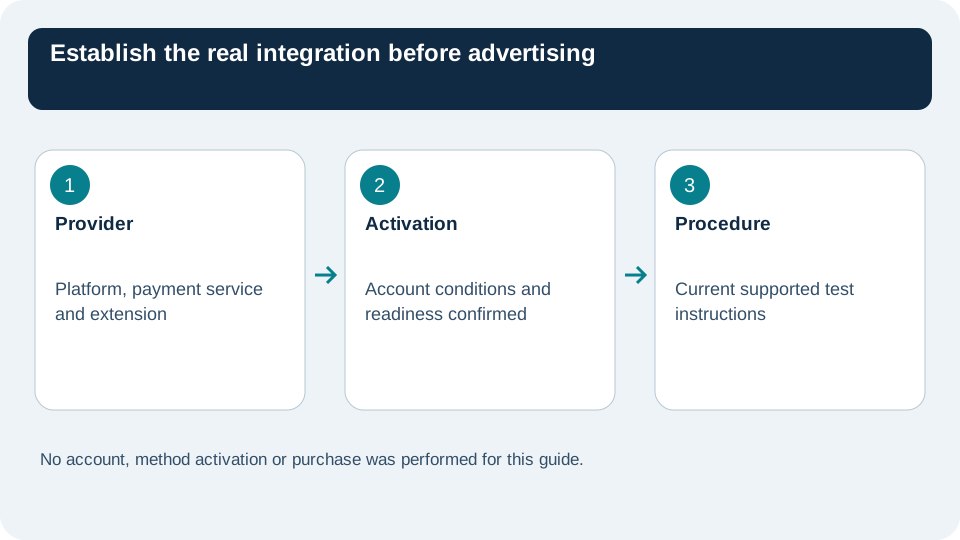
Record the shop platform, payment service provider, relevant extension and activation state. Identify who can confirm account eligibility and where the approved test instructions are found. General documentation cannot establish that a particular merchant setup is admissible.
The official TWINT merchant page describes online-shop integration options. Review it alongside the chosen provider's current instructions. Do not install an unfamiliar extension merely because its name includes the payment brand.
Keep the relevant configuration version and responsible person in the check record. If several systems handle the transaction, map their roles before interpreting a status. The store order, provider payment and browser page may each describe a different stage.
Compare mobile and desktop as different surfaces
The official TWINT customer journey describes online payment routes, including the app transition on a smartphone and a code-based route on a computer. Inspect the instructions actually presented by your integration rather than assuming one display applies everywhere.
| Proposed surface | Question to check | Evidence to retain |
|---|---|---|
| Smartphone | Is the app transition understandable and functional? | Relevant step and return state |
| Desktop | Are the displayed payment instructions readable? | Actual route offered |
| Store return | Does the order show the appropriate state? | Order and provider relationship |
| Interruption | Can the customer understand the next action? | Applicable scenario and message |
Use representative devices and supported environments according to the provider. A screenshot of a button proves presentation, not completed payment. Record what was actually observed, including unresolved steps.
Define the transaction states before testing
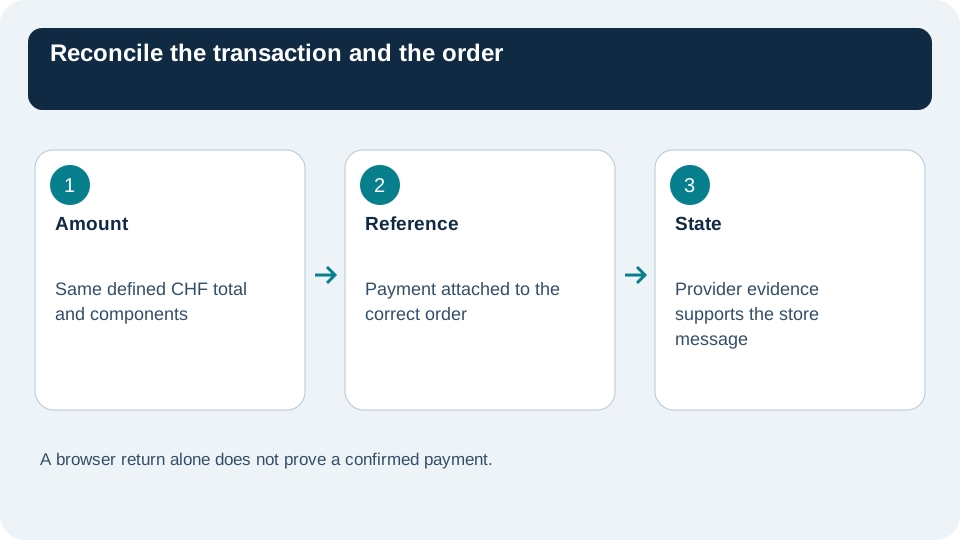
Basket creation, payment request, financial confirmation and order recording are separate events. Use the provider's precise status definitions. A browser returning to the shop does not necessarily establish the financial result; it should be reconciled with the confirmed event in the relevant system.
Prepare success, cancellation, expiry or delayed-response cases where the provider's test tools support them. The message should give the customer a sensible next action without creating an unintended duplicate order. Retry behaviour must follow the integration's actual instructions and order logic.
Identify which event permits fulfilment. An internal label chosen for convenience should not trigger dispatch while payment remains uncertain. Keep a route for investigation when the provider and store disagree, with the person responsible and the information needed.
Check the amount with its components
In a fictional order worth 65 CHF, the basket and payment must refer to the same defined total. If delivery or another applicable item is added, the summary should explain the difference before confirmation. Do not compare a product-only price with a full order amount as though they should be identical.
Check a discount and, where relevant, a changed quantity. Preserve the currency and amount in the scenario record. The objective is to verify the commercial total represented in the payment request, not to assume a price because it appeared earlier on a product card.
No value here is a real store price or transaction. Replace the teaching amount with the provider-supported scenarios appropriate to your environment. Keep expected and observed results separate so a prepared checklist cannot be mistaken for a completed test.
Preserve the correct product and order relationship
Add two similar variants to the proposed checks. Confirm that the payment reference links to the right order and that the order retains the chosen variant and quantity. An approved amount attached to the wrong order is still a serious failure.
Review what happens if the customer changes the basket before initiating the payment route, or returns after interruption. The integration should follow its documented behaviour. Do not invent a workaround that updates the amount without understanding the provider transaction already created.
For a repeated click or retry, examine whether the system creates duplicate records or recognises the existing attempt. This check belongs in the provider-supported process. Avoid causing unnecessary live transactions just to see what happens.
Make critical instructions understandable in each offered language
The product page language alone does not establish that the payment handoff, error and confirmation are understandable. Inspect the actual text shown in every language the store offers. Numbers and order references remain the same while the explanation may be adapted.
A message for an uncertain state should not say payment failed unless that is confirmed. Explain what is known and how the customer should proceed under the provider's process. Likewise, a success message should correspond to the correct confirmed state, not simply the closing of a window.
Retain the approved message versions and their trigger. If a provider update changes a status or instruction, the public text may need revision. Treat these messages as maintained operational content rather than one-time translation strings.
Keep the check grid limited to its evidence
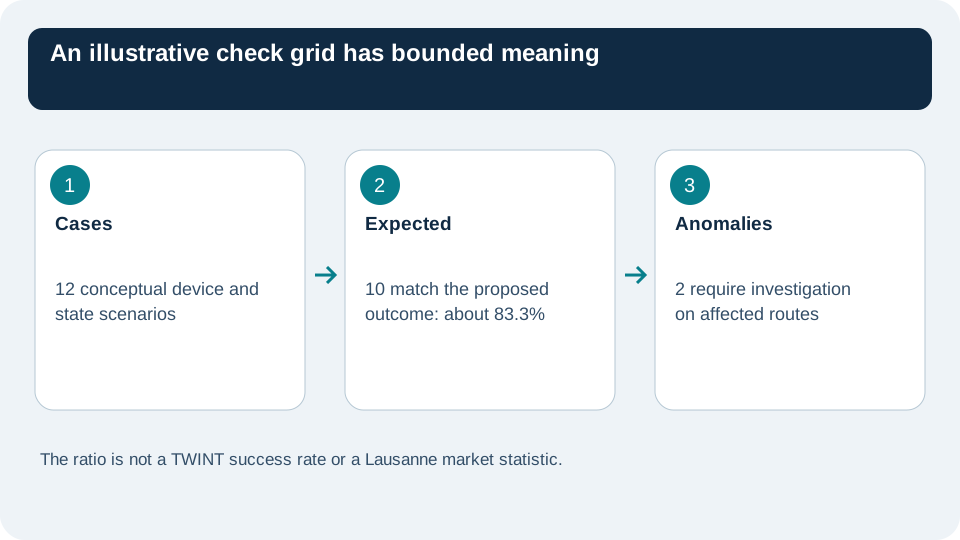
In an invented grid of twelve cases, ten produce the expected state and message. Ten divided by twelve is approximately 83.3%. This figure describes only the exercise; it is not TWINT's payment success rate or a Lausanne statistic. The two anomalies require investigation for their affected routes.
Record device, scenario, expected outcome, observation and next action without unnecessary sensitive data. Mark an unavailable scenario as unverified. After a relevant extension or provider change, repeat the critical checks that the change could affect rather than assuming an old review still applies.
Start with the activation evidence and the ordinary mobile and desktop paths, then add the supported exception cases. The store can advertise TWINT when the real configuration and customer journey justify that statement. The check record explains what is ready, what remains uncertain and which event supports every payment message.